
Humanize AI Text Anywhere
You Write
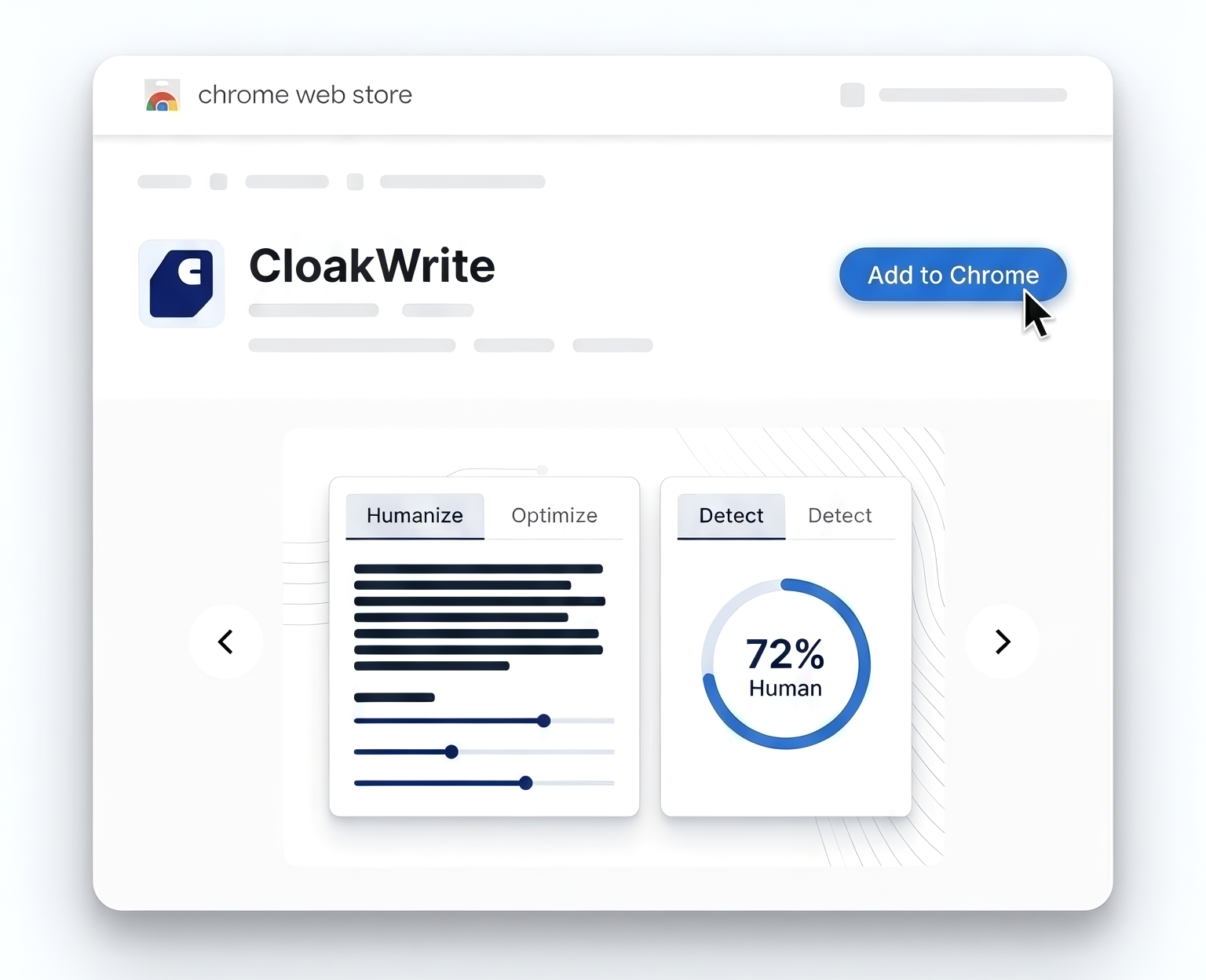
The CloakWrite Chrome extension lets you humanize and detect AI content directly on any webpage. No copy-pasting. No tab switching. Works on Google Docs, Gmail, and everywhere else you write.
Free to install · Works on any webpage · Syncs with your CloakWrite account
Simple process
How It Works
Three steps. Seconds.
Install
Install the extension from the Chrome Web Store in one click.
Highlight
Highlight any AI-generated text on any webpage.
Get Results
Click Humanize or Detect and get instant results without leaving the page.
Browser Extension
Humanize and detect AI text without leaving the page
Works on any site. No copy-pasting. No tab switching.
72% Human
Free to Install
Write AI. Sound Human. Stay Undetected.
CloakWrite runs directly inside Chrome. Highlight any AI-generated text on any page, click Humanize, and get a natural-sounding rewrite in seconds.
Want to check if something will get flagged? Switch to Detect for an instant human vs AI score — all without leaving the page.
Features
Works on Microsoft Word, Google Docs, Gmail, LinkedIn, and any text field
Humanize AI text without leaving the page
Detect AI content with a real-time human/AI score
See your word balance directly in the extension
No copy-pasting or tab switching required
Syncs with your CloakWrite account automatically
FAQ
Start Writing Without Limits
Install the extension and humanize AI text wherever you write.
Add to Chrome - It's Free